Stories block

What is the Stories block for?

Fresh news, the way phones taught us. A Stories block puts short picture stories on the page, in round bubbles or on tall cards. A story opens full screen and steps through its slides on its own, as on social media. It suits new products, the moments of an event, offers, or everyday life in the workshop.

A story is made of two to four slides, each with a tall picture and, optionally, a short title, text and button. The bubble shows the picture of the story's first slide.

Two layouts, the same stories

You can switch the layout at any time without putting the stories together again.

Round bubbles

The stories line up as small round pictures with their titles below. It takes little room, so it suits the top of a page or the space above a news list.

Tall cards

Larger, tall cards with the story's title on them. Good when the pictures should tempt visitors even before they open a story.

Round bubbles

Tap a bubble to start the story.

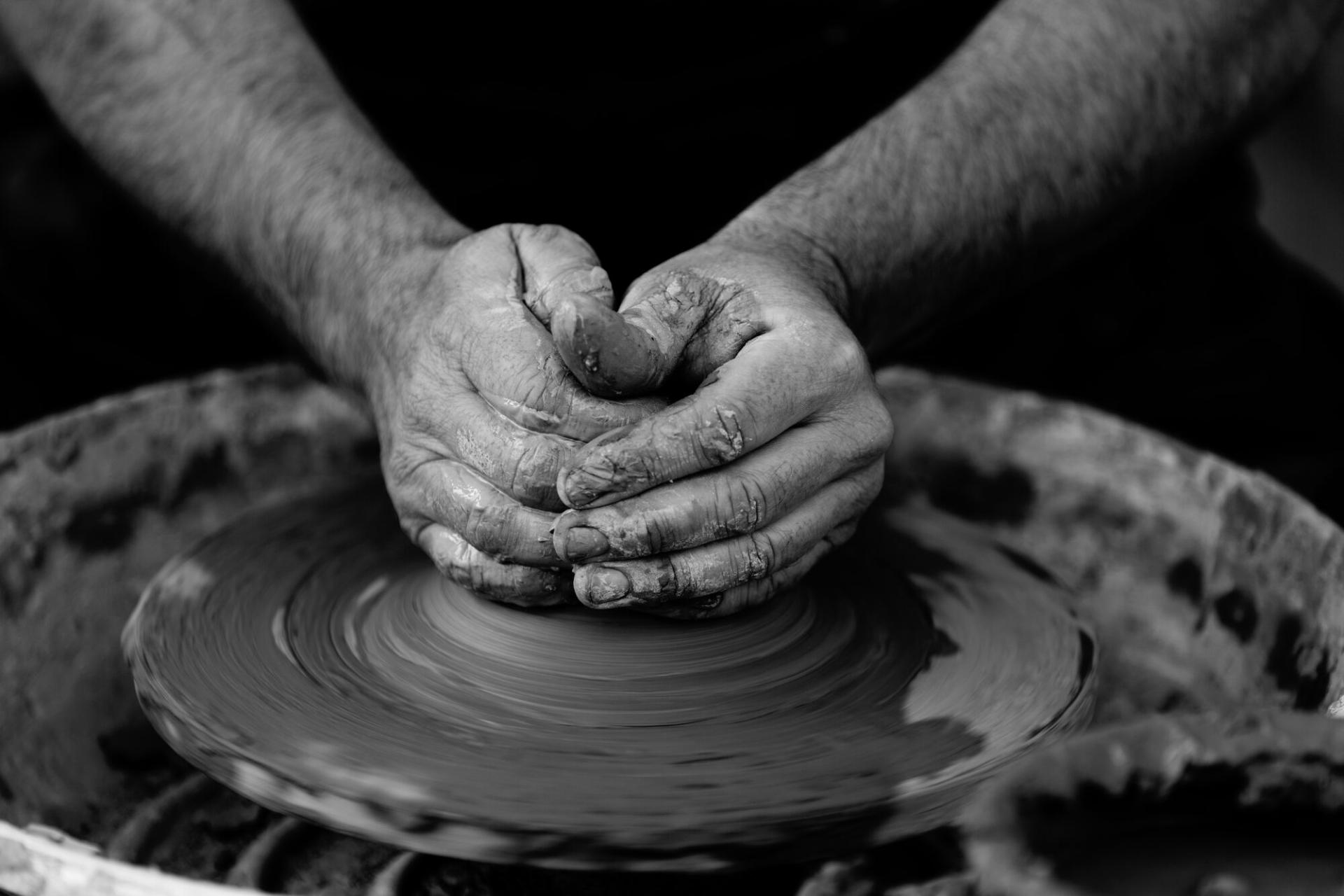
  1. Black-and-white close-up of two hands centring clay on the wheel

    Centre the clay

    Every bowl starts here: two hands and a spinning wheel.

  2. Clay-covered hands shaping a pot on a spinning wheel, seen from above

    The walls rise

    Slowly, with even pressure, we draw up the walls of the bowl.

  3. Terracotta pots, bowls and vases stacked on stone slabs

    After the firing

    Three weeks later, on the shelf: bowls, mugs and vases.

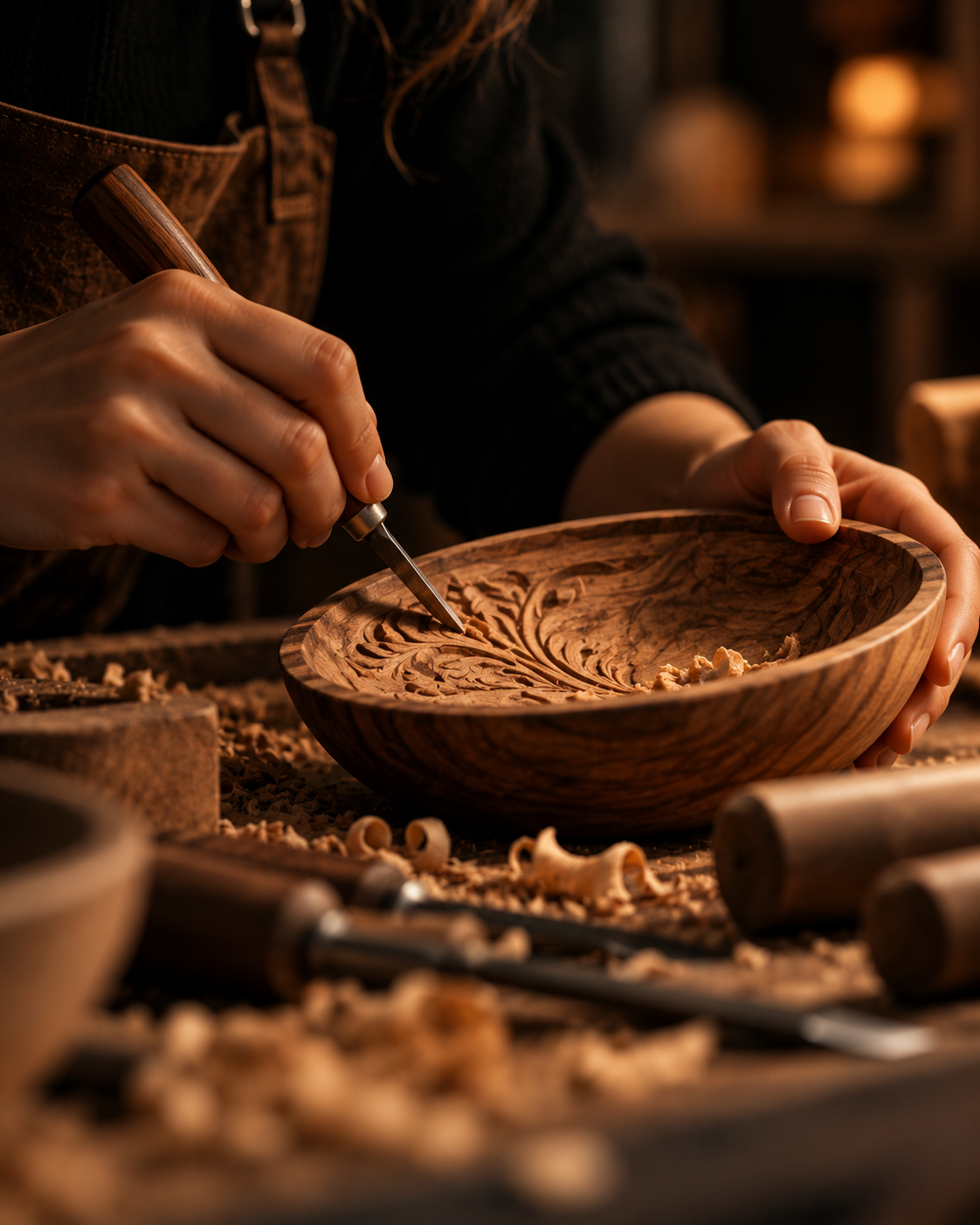
  1. A woman in an apron carves a pattern into a wooden bowl with a chisel

    The pattern begins

    A pencil line, then the first cut into the walnut.

  2. Close-up of a chisel carving a leaf pattern inside a wooden bowl

    Leaf by leaf

    Decorating one bowl takes about four hours.

  3. A smiling woman admires a finished walnut bowl on the workbench

    Done!

    A little oil, and the bowl is ready to go home.

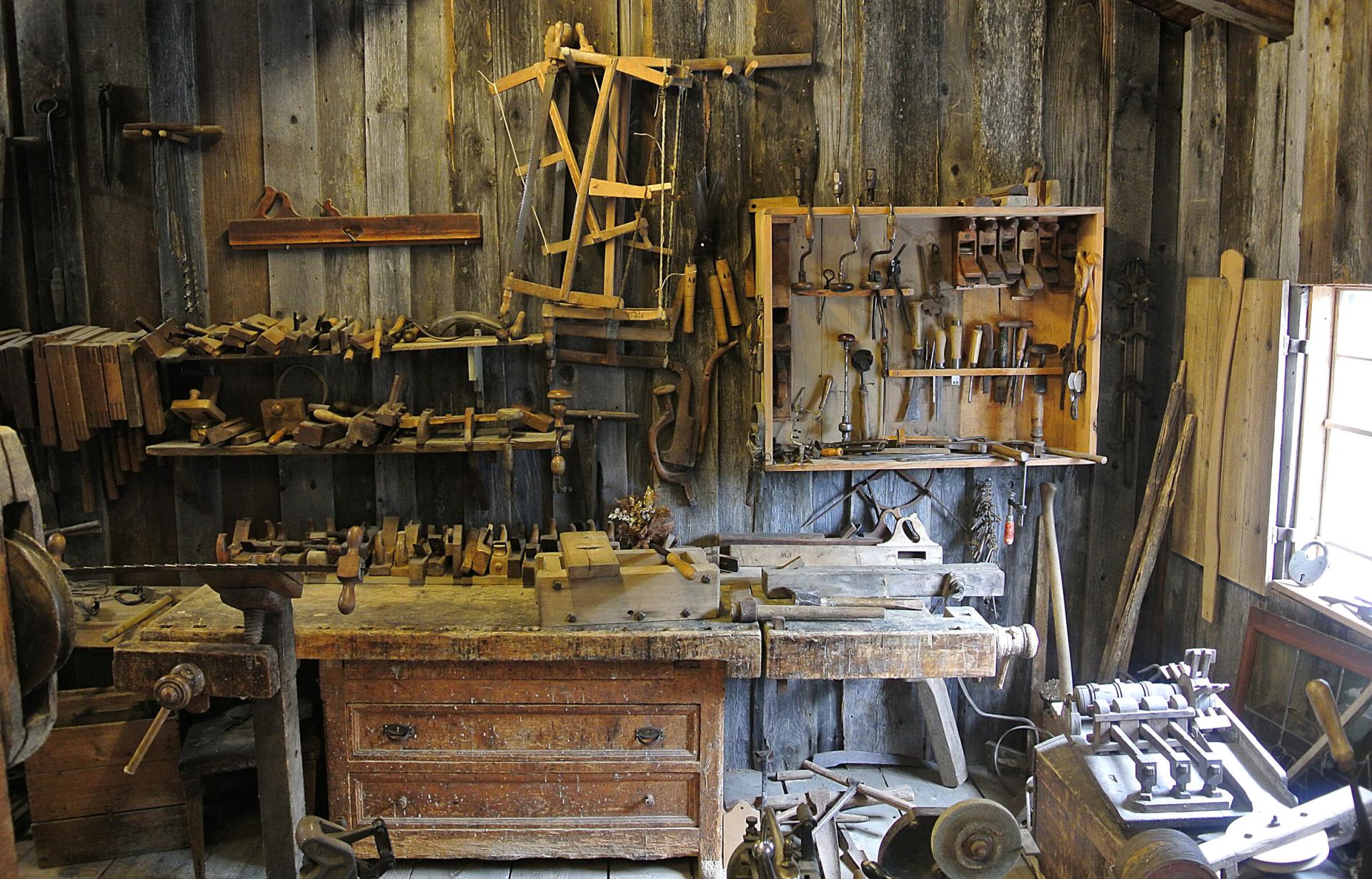
  1. An old woodworking shop: a wooden workbench, with planes, saws and chisels on the wall

    The tool wall

    Planes, saws, chisels: everything in its place.

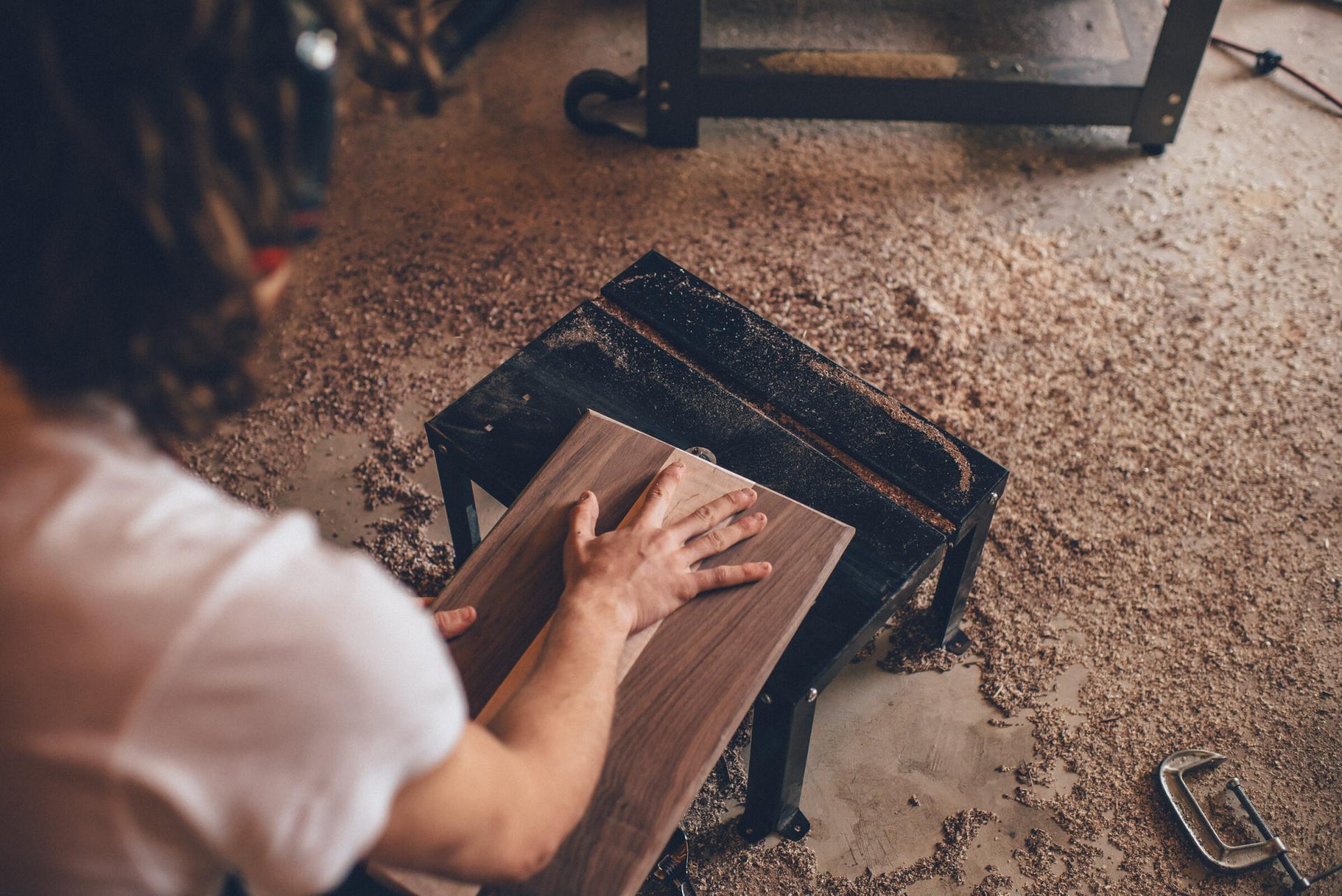
  2. A hand guides a walnut board across a machine table, wood shavings on the floor

    From board to shelf

    We cut the walnut board to size, then sand it smooth.

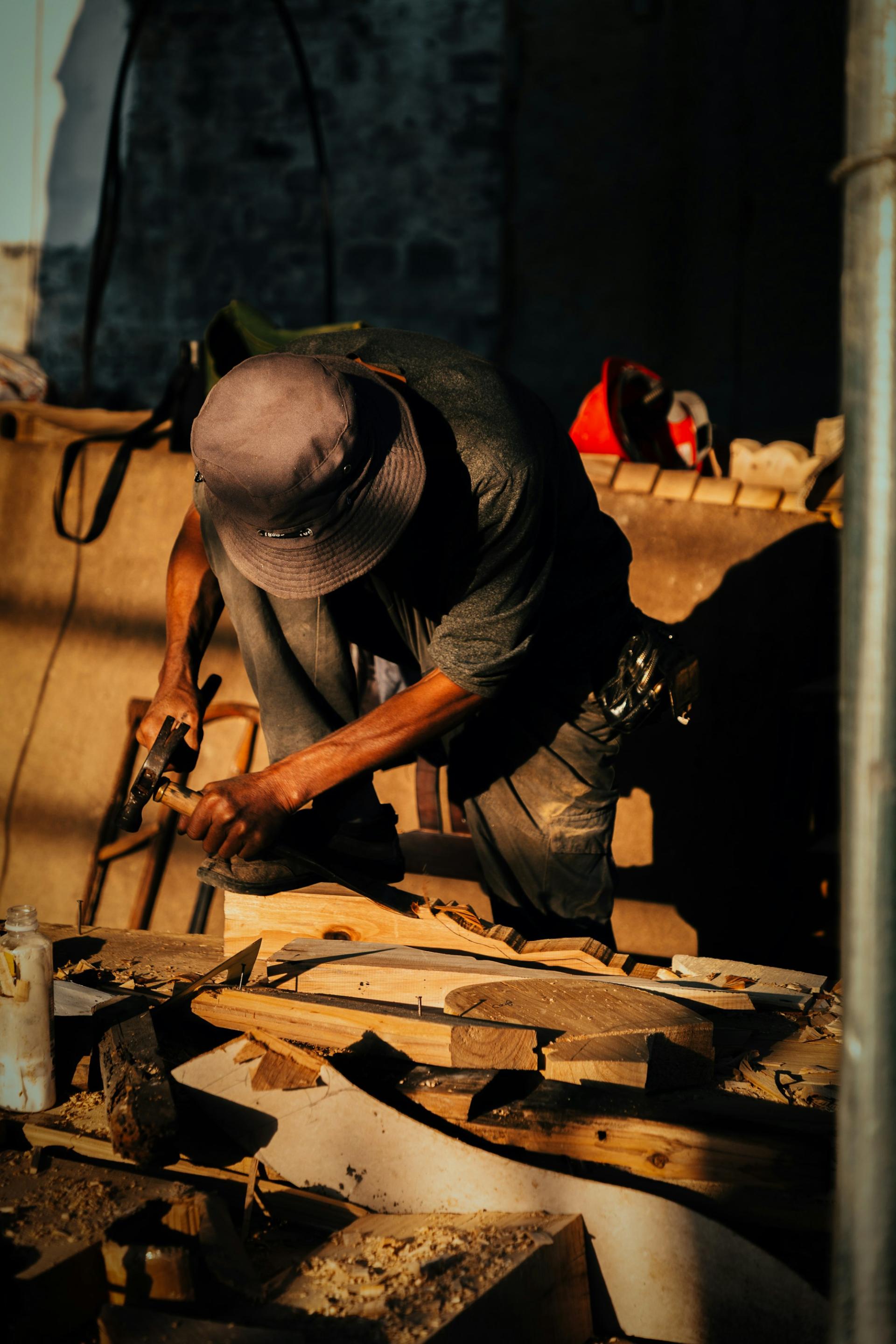
  3. A carpenter in a hat works a piece of wood with a hammer and chisel in warm evening light

    Come and join us

    Weekend courses for beginners, in small groups.

    Try it

Tall cards

Tap a card to start the story.

  1. Black-and-white close-up of two hands centring clay on the wheel

    Centre the clay

    Every bowl starts here: two hands and a spinning wheel.

  2. Clay-covered hands shaping a pot on a spinning wheel, seen from above

    The walls rise

    Slowly, with even pressure, we draw up the walls of the bowl.

  3. Terracotta pots, bowls and vases stacked on stone slabs

    After the firing

    Three weeks later, on the shelf: bowls, mugs and vases.

  1. A woman in an apron carves a pattern into a wooden bowl with a chisel

    The pattern begins

    A pencil line, then the first cut into the walnut.

  2. Close-up of a chisel carving a leaf pattern inside a wooden bowl

    Leaf by leaf

    Decorating one bowl takes about four hours.

  3. A smiling woman admires a finished walnut bowl on the workbench

    Done!

    A little oil, and the bowl is ready to go home.

  1. An old woodworking shop: a wooden workbench, with planes, saws and chisels on the wall

    The tool wall

    Planes, saws, chisels: everything in its place.

  2. A hand guides a walnut board across a machine table, wood shavings on the floor

    From board to shelf

    We cut the walnut board to size, then sand it smooth.

  3. A carpenter in a hat works a piece of wood with a hammer and chisel in warm evening light

    Come and join us

    Weekend courses for beginners, in small groups.

    Try it

Visitors are in control. Each slide shows for five seconds, with a bar at the top showing how much is left. A tap or the arrow keys move forward or back, pressing and holding pauses the story, and there is a pause button too. After the last slide the next story begins; the Esc key closes it. Stories already viewed get a grey ring.

At everyone's own pace. If a visitor's device asks for less motion, the slides do not move on by themselves, only with a tap or a key. A story's pictures load only when it is opened, so they do not slow the page down.

Stories settings: the layout at the top, then the heading, then the stories with their slides.

What can you set on a Stories block?

Apart from the stories and their slides' pictures, every field is optional.

Heading and side line

The block's heading with a short line beside it, such as "Updated weekly". It is only a label; it does not update the stories by itself.

Stories

Each story has a title, shown under its bubble. Add stories and slides in the panel, and change their order there too.

Slides

Each slide is a tall picture with an optional title, a sentence or two and a button with a label and a link.

Pictures

Pick them from the media library and set the focal point with a click, so the main subject shows in a tall crop too. Screen readers read out their ALT text.

AI and pictures

While no slide has a picture, the AI may group the slides into stories. Once you add pictures, the grouping is yours: an AI rewrite changes the texts, not the stories.

Languages

The heading, the story titles and the slide texts are written separately for each language.

Always something new

Show what is happening at your place, one tap away.

A few tall pictures and a short sentence each make a story.